
Categorize every ticket
Auto-route tickets and assign them to agents or departments based on flexible criteria.
Save time and reduce costs with intelligent help desk automation tools that help your agents provide incredible customer support.
Give your agents powerful automation tools to increase the efficiency, quality, and consistency of support. Set automations once, and then let Deskpro do the hard work.
Triggers
Intelligent automations keep your help desk running smoothly and efficiently.
Ensure all your incoming tickets get replied to so nothing is left behind.
Auto-route tickets and assign them to agents or departments based on flexible criteria.
Assign followers and distribute notifications to agents who require visibility of ticket changes.
Set up automatic urgency scores; so agents understand which tickets to handle next.
Escalations
Admins create escalations across the entire help desk that run after a ticket has spent a pre-defined amount of time in one particular state.This will trigger actions of your choice such as increasing ticket urgency, reassigning tickets, or sending survey requests.
Auto-Responder
Set up auto-replies and configure updates to make sure customers are never left in dark regarding the status of their issue. Use custom fields to personalize your auto-response templates.
Service Level Agreements
Set custom goals with SLAs to monitor your help desk response times and maintain high standards.Your help desk will automatically prompt agents to act when SLAs are at risk or notify managers if they fail. You can easily track your SLAs to see how your organization, departments and individual agents are performing.
Ensure tickets, chats and calls are distributed evenly between teams, agents, and departments with automatic ticket routing.
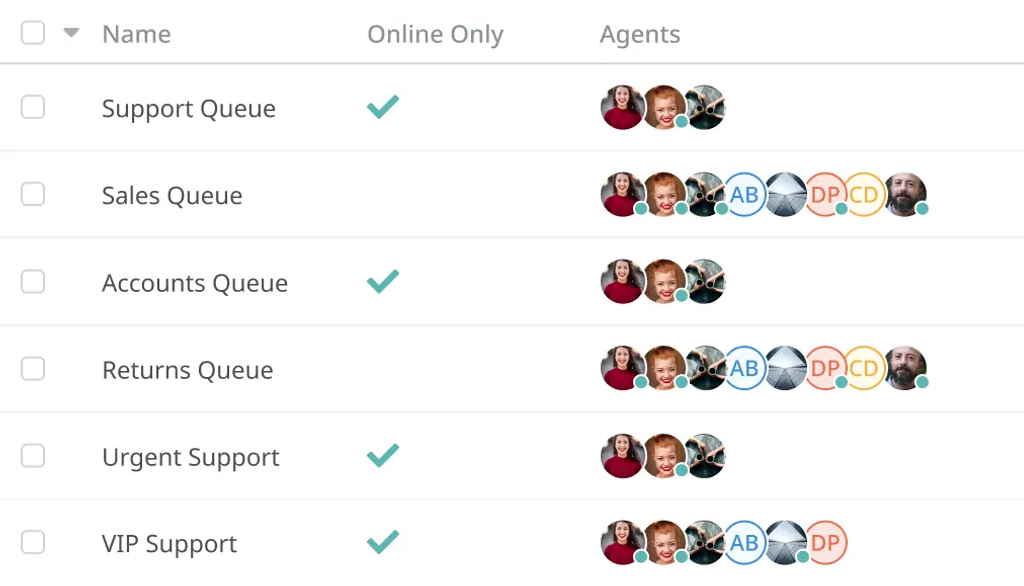
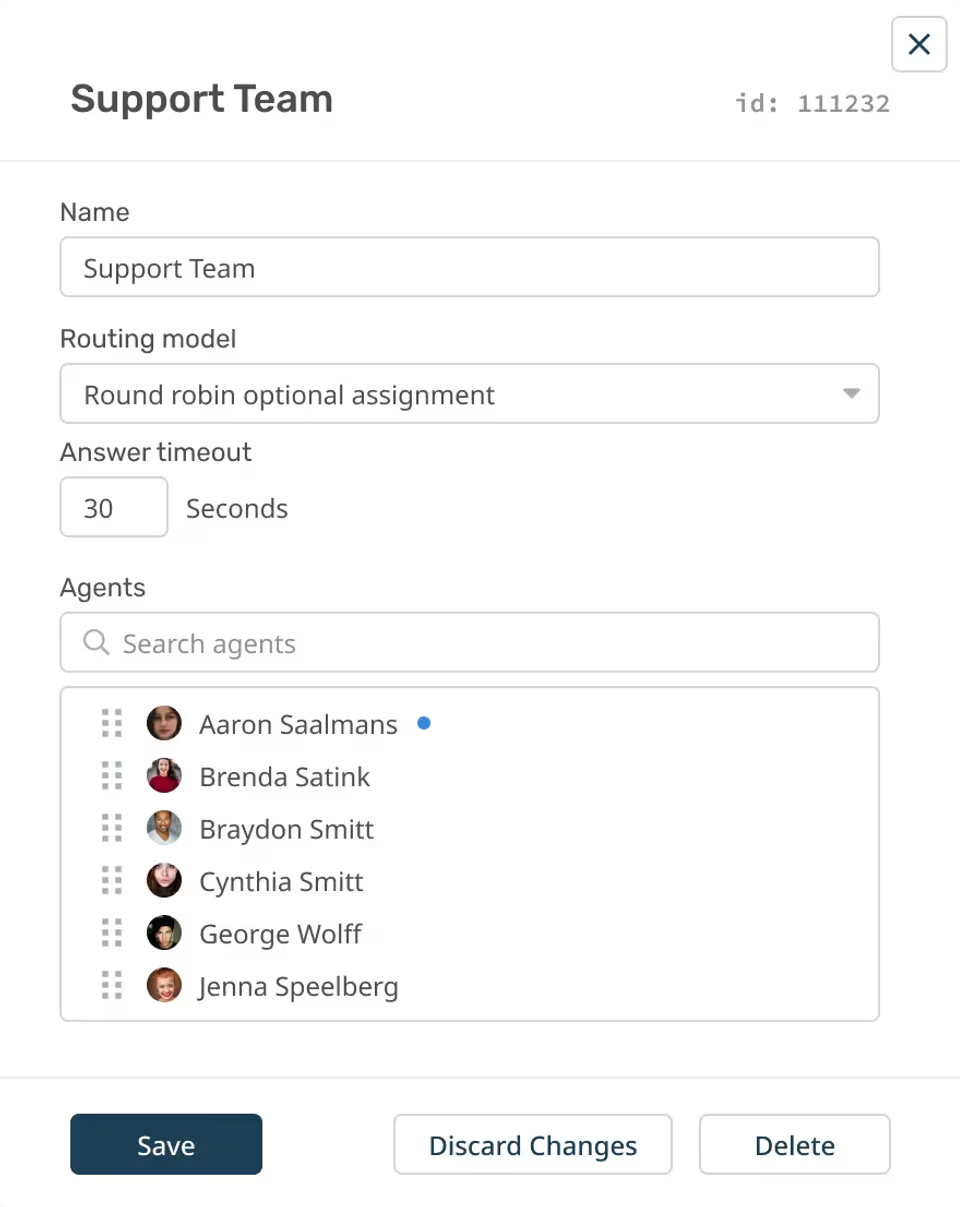
Distribute assignment for tickets, chats, and call evenly across available agents. Each new ticket is assigned to the next agent in the queue.
Assign incoming tickets, chats, and calls to agents in the queue who have handled the fewest tickets, so the workload is balanced.
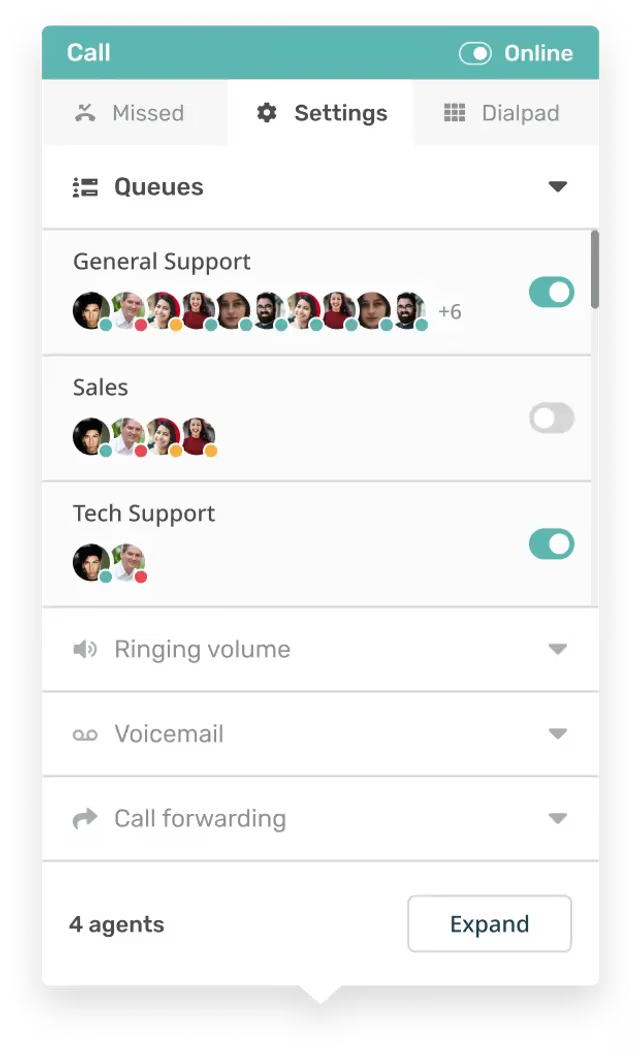
Any incoming chats or calls will ring all agents in the chat department simultaneously. The first agent to manually accept will handle the chat.
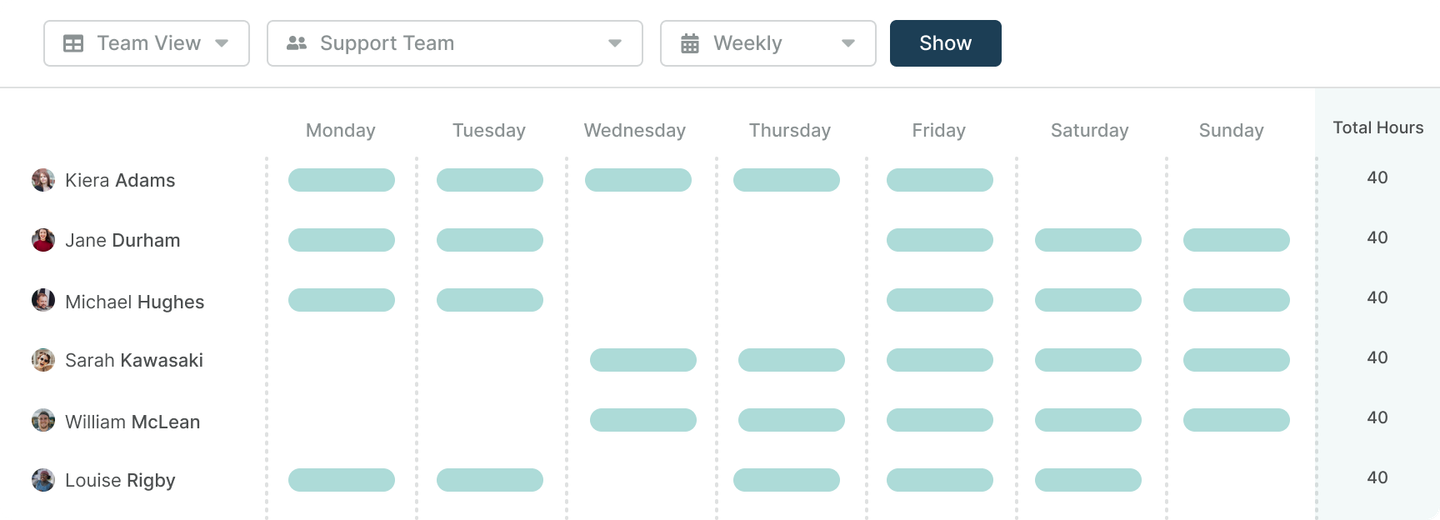
Create Shifts for your team's working pattern to assign tickets automatically based on your agents' working hours.
Auto Attendant & IVR
Streamline your call routing for each phone number you own with IVR, music and greetings. Ensure that customers reach the department that they need, fast, with your intelligent phone system technology.
Arm agents with time-saving tools that completely transform the way they work.
Snippets
Make common responses more automated with intelligent canned responses. If you have common responses that have to be carried out in everyday interactions you can incorporate snippets into your ticket replies. Quickly insert a snippet for a specific process that automatically populates the response with ticket information; making typical responses more efficient and saving agent time.
Macros
Consolidate your common help desk processes by carrying out a series of pre-defined actions at the click of a button.Schedule multiple actions to run at the click of a button; automating a whole series of processes in one go.
Follow Ups
Agents can set up automatic follow up on messages or scheduled surveys. Automated follow-ups ensure no customers are forgotten about while taking the pressure off your agents to keep on top of every single response.
Mass Actions
Quickly apply the same action to a number of tickets at once, automatically send one message to a number of customers in the same instance.Save your agents having to click through every ticket one by one to give the same response.
Approvals
Approvals can streamline your internal workflows to ensure that a request reaches the right person every time and that they can view all the necessary information to make a decision. Approvals can be applied across your help desk with macros; for workflows that require specific approval each time you can automatically apply the request alongside the other actions.
Problem Tracking System
When agents receive multiple tickets caused by the same underlying issue Deskpro allows them to efficiently categorize and respond to their customers.
Problems can result in a number of separate incidents; Deskpro enables agents to track and react by sorting the incidents to understand what the issue is and how to fix it.Combined with mass actions agents can communicate with multiple affected customers quickly and easily.
Apps & Integrations
Extend the help desk with dozens of built-in apps and integrations.
Deskpro's automation covers the full ticket lifecycle, not just the intake step. You can set up triggers to fire when tickets are created, updated, or reach a specific state, and you can route tickets to the right team, set urgency levels, assign followers, send auto-replies, and update custom fields without agent input. You can also configure escalations to kick in when a ticket has been in a given state too long, automatically reassigning it or bumping urgency before an SLA breach happens. For teams handling repetitive request types, snippets and follow-up automations speed up response times. And macros let agents and admins automatically complete multiple actions with one click.
Most ticketing tools give you simple if-then rules: if a ticket comes from this email address, assign it to this team. Deskpro's automation goes deeper. Triggers can be built on any combination of ticket properties, custom fields, customer data, time elapsed, or channel. Escalations run on time-in-state logic rather than just creation time. Macros chain multiple actions together so agents are not manually running the same five-step process on every ticket. The automation engine runs across all channels too, applying the same logic regardless of how a ticket arrived. That channel-agnostic routing is particularly useful for IT teams who may receive requests from Slack, Teams, email, and forms simultaneously.
Yes. Deskpro supports round-robin distribution, least-utilized assignment, simulring for cases where multiple agents should be notified about phone calls simultaneously, and work-shift rules so routing adapts to who is actually online. For organizations running both customer-facing support and internal departments, routing rules can be scoped per team. For voice-based routing specifically, auto-attendant rules ensure callers reach the right department without manual transfer.
SLAs in Deskpro define response and resolution time targets per team, ticket type, or customer segment. When a ticket gets close to breaching, the help desk automatically alerts the assigned agent, and you can configure escalation to a manager or re-assignment to a different agent when a ticket is at or near its SLA deadline. Escalation rules are not just tied to SLA clocks either. You can escalate based on time-in-state, so a ticket that has been waiting on a customer response for three days can automatically send a follow-up and then close if there is no reply. For B2B customer service teams with contractual SLA commitments to clients, this automation removes the manual oversight burden from team leads.
Yes. The automation engine in Deskpro applies across every channel, including email, live chat, voice, SMS, WhatsApp, Slack, and Microsoft Teams. For teams running a fully omnichannel customer support operation, this means you build one set of automation logic and it applies regardless of how customers reach you.
Yes. Deskpro offers both rule-based and AI-powered automation. Rule-based automations use if/then rules and can be configured in an unlimited number of ways to allow teams to build the workflows that fit their support operations. AI-powered automation adds nuance to the triage process with customer intent and sentiment detection. For example, teams could set up an automation that combines AI and rules to escalate any ticket with an “angry” sentiment to a team lead. For organizations in regulated industries, these AI capabilities can run inside Deskpro Private without routing ticket data through public APIs. That makes it viable for healthcare organizations and government agencies that need AI productivity gains without the compliance exposure that comes with cloud-based AI tools. Teams evaluating help desk software with AI automation should note that Deskpro's approach positions AI as a decision-support tool for agents, not an autonomous replacement for them.
HR and IT teams are often running high-volume, repetitive request types where automation pays back fast. An HR team could create a macro for a common new employee onboarding request, for example, that creates sub-tasks across IT, HR, and facilities simultaneously. A password reset request can auto-route to the IT queue, send an acknowledgment, and add a category tag to the ticket before an agent even sees it. For HR help desk software teams, automated follow-ups handle the common case where an employee submits a request but does not respond, closing the loop without manual chasing. For IT help desk software teams, round-robin routing and least-utilized assignment keep workload balanced across agents without a team lead manually redistributing tickets. The approvals feature also fits naturally into both use cases, routing a request to the right manager for sign-off without email chains.